When creating a membership type, administrators can control how and when a member gains access by choosing between Approval Required and Instant Activation.
This setting is available as a quick toggle option during membership creation and can be easily enabled or disabled while adding or editing a membership type in your account.
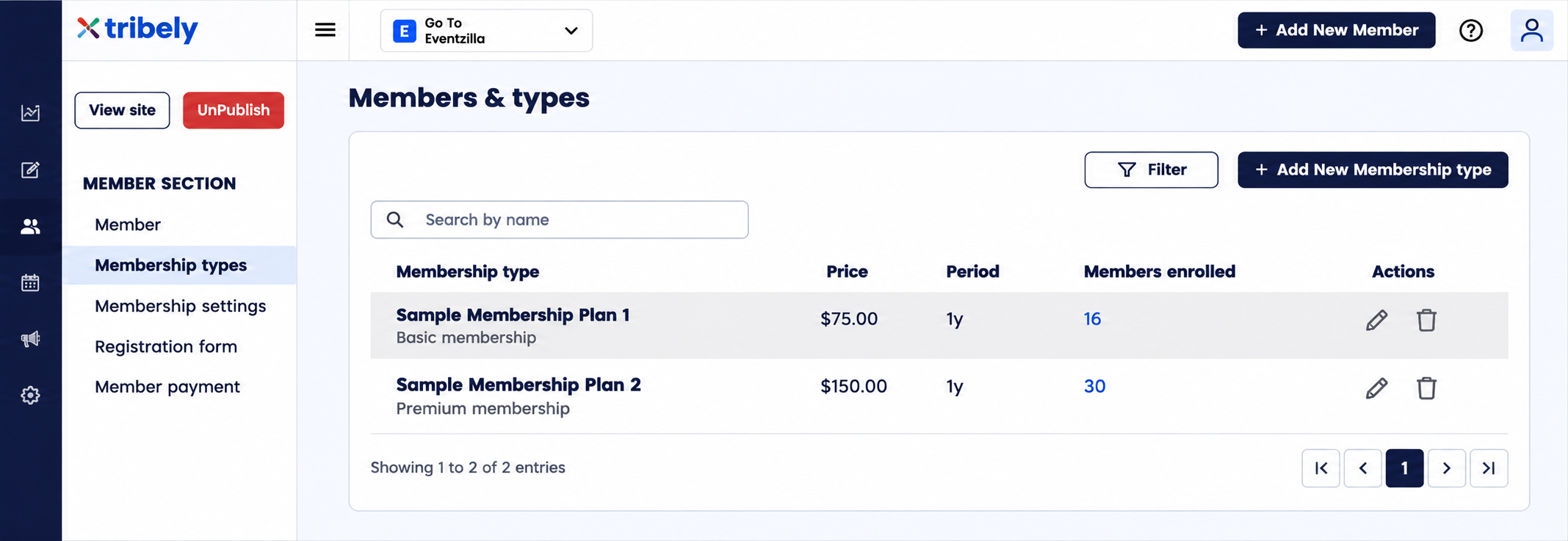
Navigation path:
Members → Membership Types → Create Membership Type
Approval Required
When Approval Required is enabled, members are not activated immediately after completing registration. Their membership remains in a pending approval state until an administrator manually reviews and approves the request.
This option provides an additional screening layer, allowing administrators to grant access only to eligible or approved members.
Key benefits:
- Enables manual review before activation
- Prevents automatic access to restricted memberships
- Provides better control over member eligibility
Common use cases:
- Private or invite-only communities
- Professional or qualification-based memberships
- Organizations requiring verification before access
Instant Activation
When Instant Activation is enabled, the membership is activated immediately once the registration is completed. No administrative approval is required.
This option ensures a smooth and fast onboarding experience for members.
Key benefits:
- Immediate access after registration
- No manual intervention required
- Faster member onboarding
Common use cases:
- Open or public memberships
- Free or paid self-serve memberships
- Communities focused on quick sign-ups
Quick Comparison
| Feature | Approval Required | Instant Activation |
|---|---|---|
| Activation timing | After admin approval | Immediate |
| Admin involvement | Required | Not required |
| Member screening | Yes | No |
| Onboarding speed | Slower | Faster |
| Best suited for | Controlled or private access | Open access |
This activation setting is a quick toggle option and can be enabled or changed at any time while creating or editing a membership type under:
Members → Membership Types → Create Membership Type
Choosing the right activation flow helps balance control, security, and member experience based on your organization’s needs.