Creating an administrator account is quick and straightforward. Follow the steps below to get started and access all the tools needed to manage memberships, events, and community engagement.
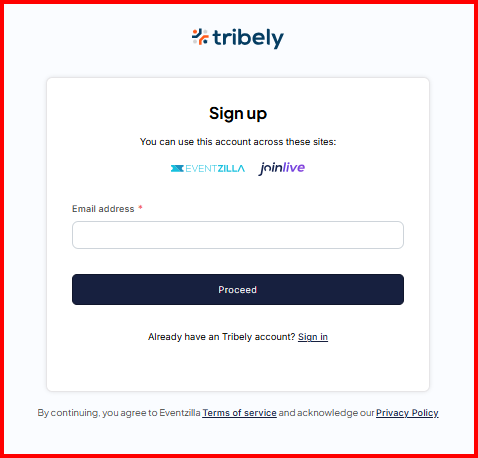
Access the Sign-Up Page
Visit the Tribely sign-up page and make sure you have access to a valid email address, as it will be required for account verification.
Enter Your Email Address
Enter your email address in the provided field and click Proceed to continue.
Complete the Registration Form
Fill in the required details on the registration form:
- First Name
- Last Name
- Password
- Organization Name
Once all details are entered, click Proceed.
Verify Your Email Address
After completing the registration, an activation email will be sent to your registered email address.
To activate your account:
- Open your inbox and locate the email from Tribely
- Click Activate Your Account
If you don’t see the email within a few minutes, please check your spam or junk folder.
Set Up Your Account Profile
After activation, you’ll be prompted to complete your account setup by providing additional details:
- Phone Number
- Country
- Primary Currency
- Time Zone
- Industry Type
- Entity Type (e.g., Non-profit, Business, Association)
- Estimated Membership Count
- Existing Membership Website (if applicable)
- Option to request assistance with bulk member import
These details help personalize your account and ensure a smoother setup experience.
Once your account is activated and the profile setup is complete, you can start using the platform to create membership plans, add members, manage renewals, and organize events.
Welcome aboard! 🚀