Your Account Settings provide a centralized place to manage your personal information, subscription details, security preferences, and account status. Keeping these settings updated ensures accurate organization data, secure access, and smooth billing management.
You can access Account Settings by clicking your profile icon located at the top-right corner of the dashboard.
My Profile
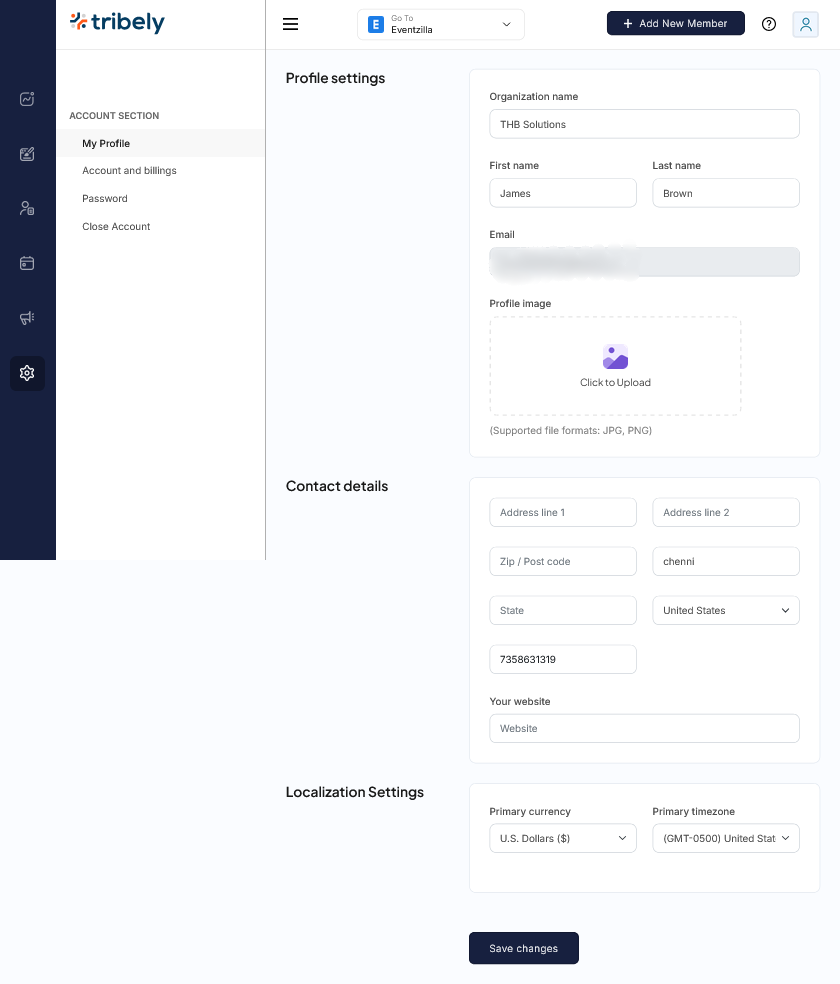
The My Profile section allows you to view and update the information you provided during sign-up. This ensures your organization details remain accurate across all communications and system records.
From this section, you can:
- Edit your organization name
- Update contact information , such as phone number and address
- Adjust your primary time zone and currency
- Modify industry or entity details, if applicable
Keeping your profile information current helps ensure that billing, reporting, and platform communications reflect the correct organizational details.
Account and Billing
The Account and Billing section gives you full visibility into your subscription and payment information.
Here, you can:
- View your current plan , including status and pricing
- Upgrade or change your subscription based on your needs
- Review your billing and subscription history
This section helps you manage your subscription with clarity and make informed decisions when upgrading or changing plans.
Password
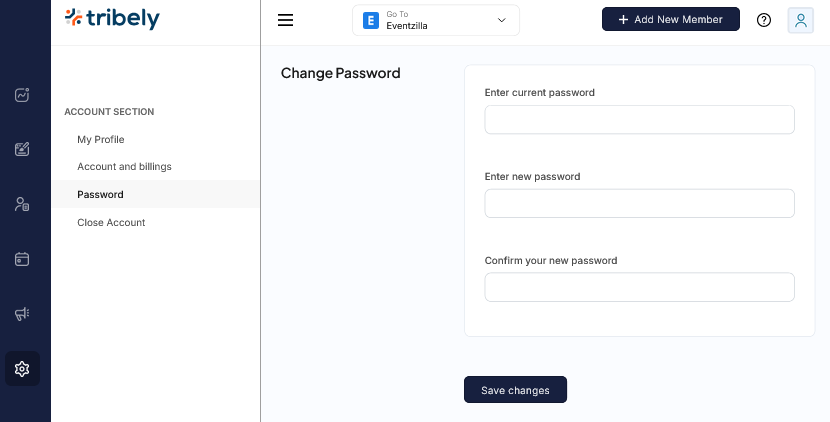
The Password section allows you to maintain account security by managing your login credentials.
You can:
- Change your password at any time
- Strengthen account security by using a unique and secure password
For best security practices, it is recommended to update your password regularly and avoid reusing it across multiple platforms.
Close Account
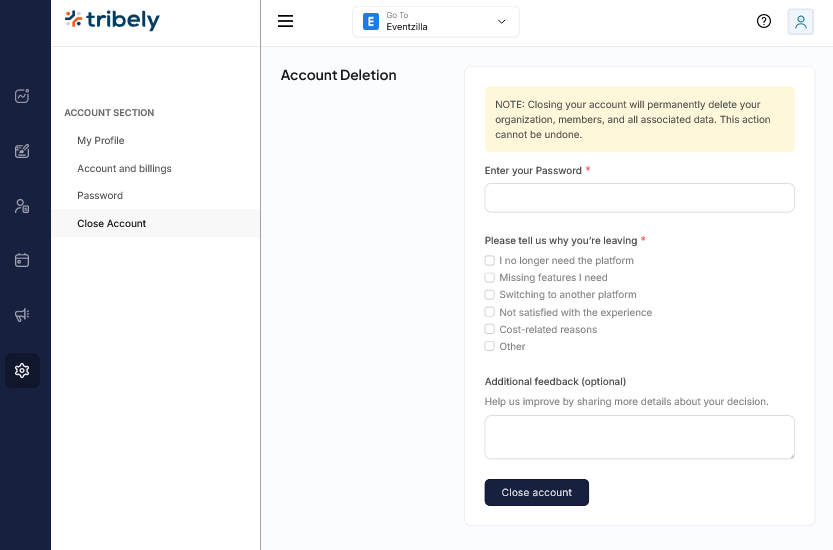
The Close Account section allows you to permanently delete your account if you no longer wish to use the platform.
Before proceeding, please note:
- Account deletion is permanent and irreversible
- All data—including member records, website content, and transaction history—will be permanently removed and cannot be recovered
To close your account:
- Navigate to Close Account
- Review the confirmation message carefully
- Select Delete Account to permanently remove your account
If your intention is to stop or pause your subscription rather than delete your account entirely, it is recommended to contact support for alternative options.
Your Account Settings enable you to:
- Keep organization and contact information up to date
- Manage subscriptions and billing preferences
- Secure your account through regular password updates
- Make informed decisions about account closure
Maintaining these settings ensures a secure, accurate, and seamless experience across all features.